
Web version available
MOBILE + WEB · v1.0
Pineforge Collective · Developer Hub
A shared hub for developers.
The developer hub where invited game and app developers find collaborators, showcase their teams and products, and compare product performance.
Use the app's web version directly in your browser, with no installation.
iAn app account or invite code is required for access. No invite code yet? Request access.
- ✓Screens captured from the running interface
- ✓Dark and light themes
- ✓Android 7.0 and later
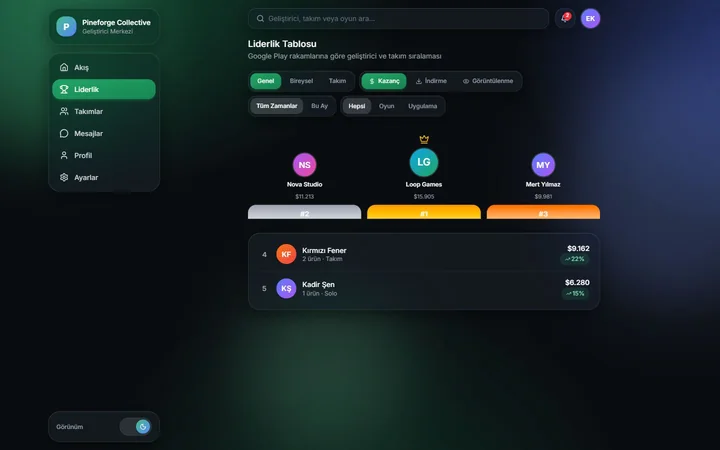
People, teams and figures are demo data.
01 · Product tour
The productin six steps.
The feed handles social interaction, teams handle shared production, profiles cover expertise and portfolio, product screens handle measurement, and the leaderboard compares performance. Every step shows the web and mobile screens side by side.
01Community
Where building togetherbegins.
Share progress, discover developers with matching skills and find new people to work with.
- 01Skill matching
- 02Milestone posts
- 03Community interaction
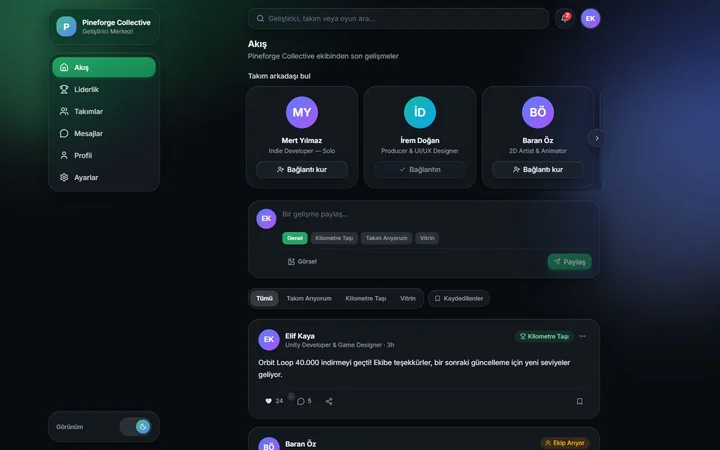
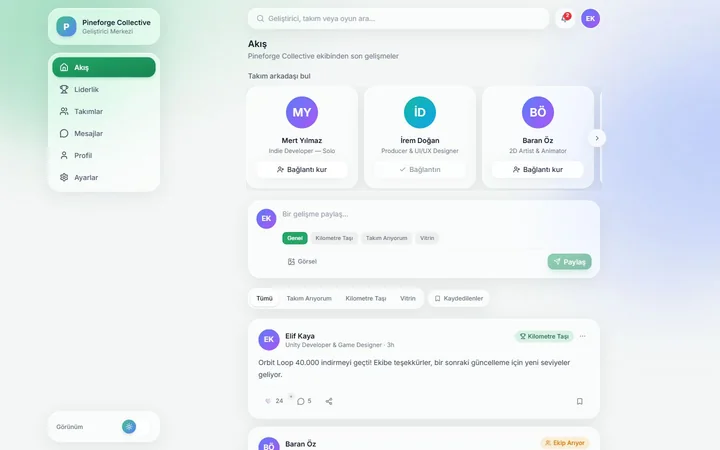
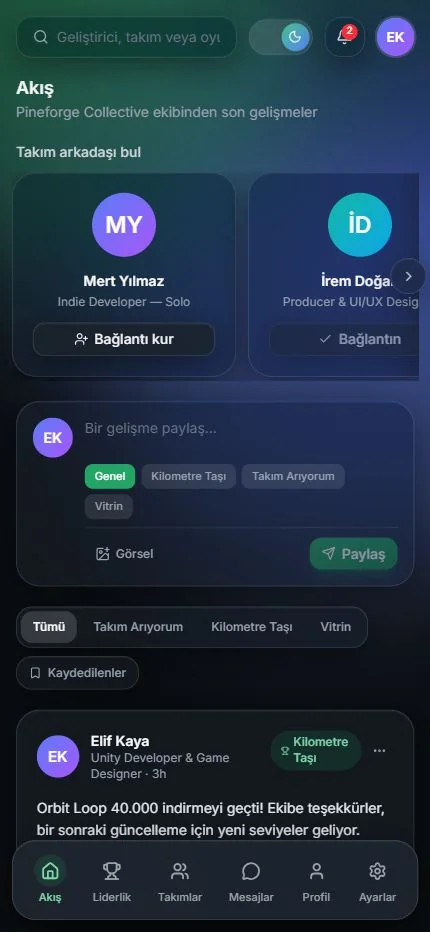
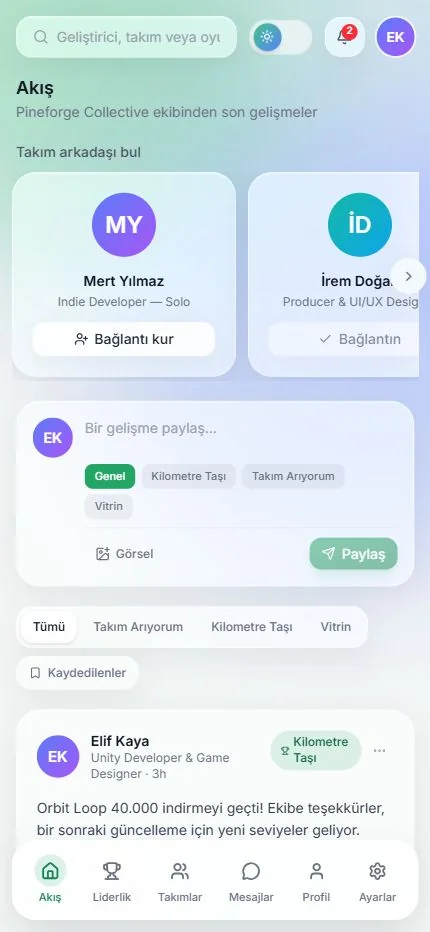
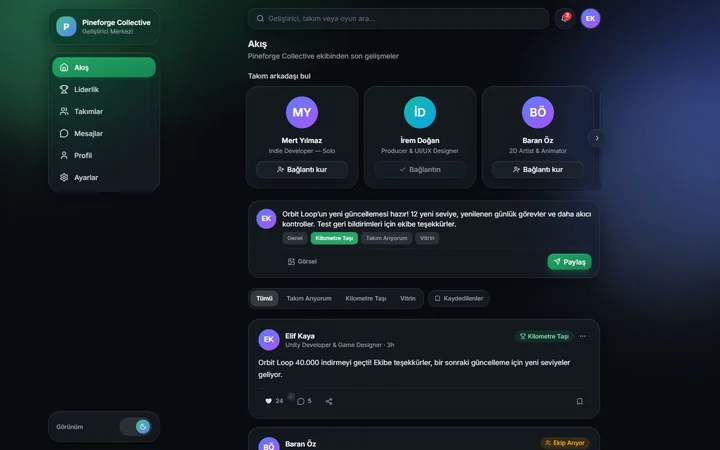
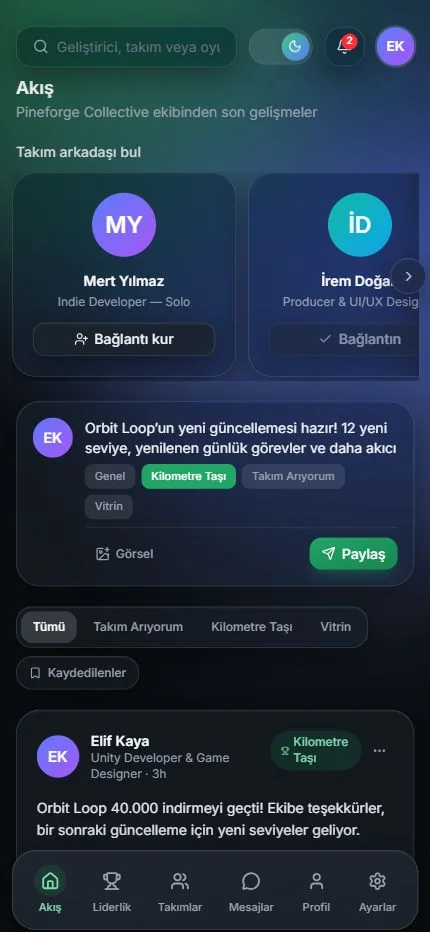
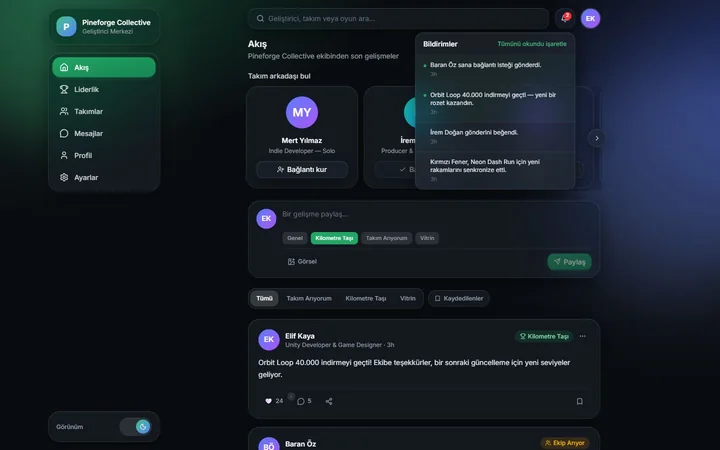
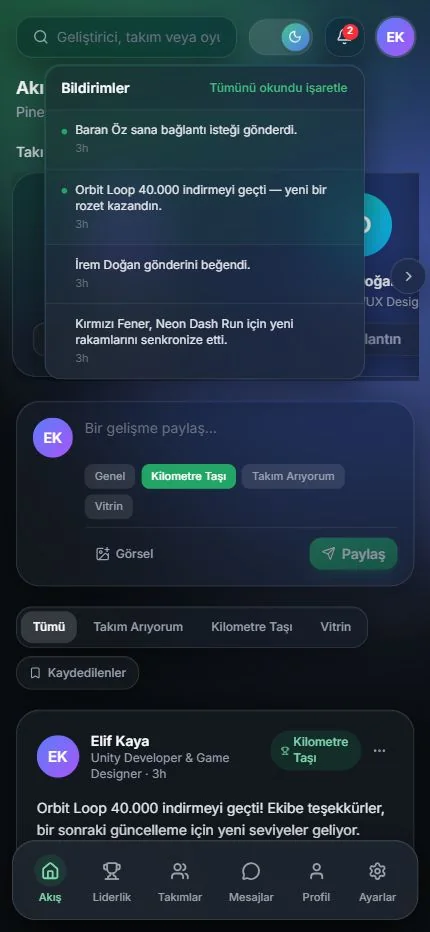
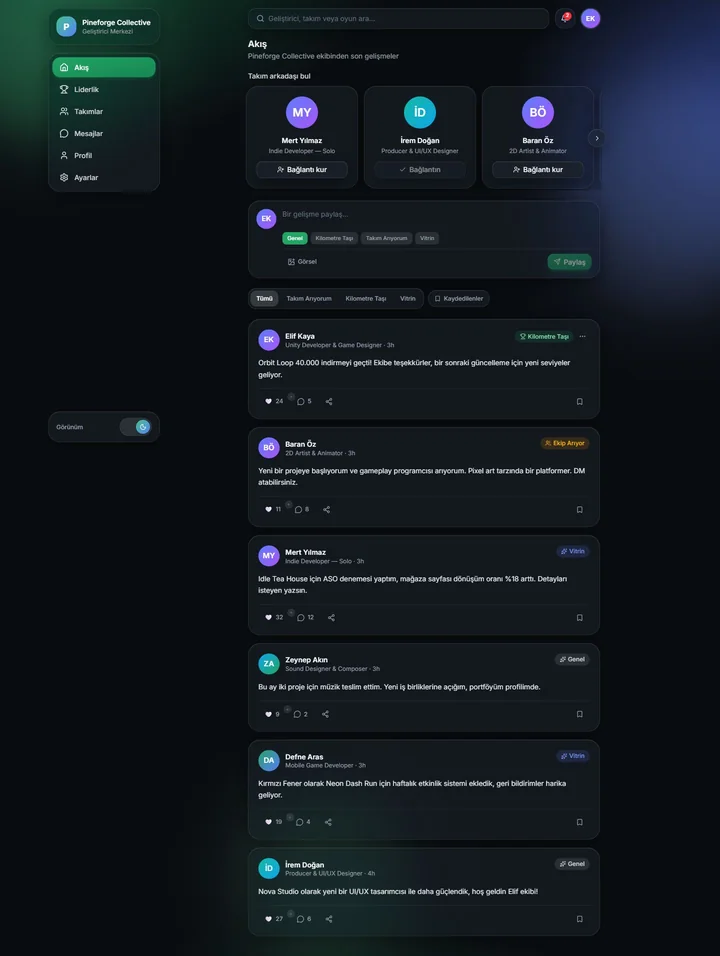

↕Scroll inside the screens to see the full page.
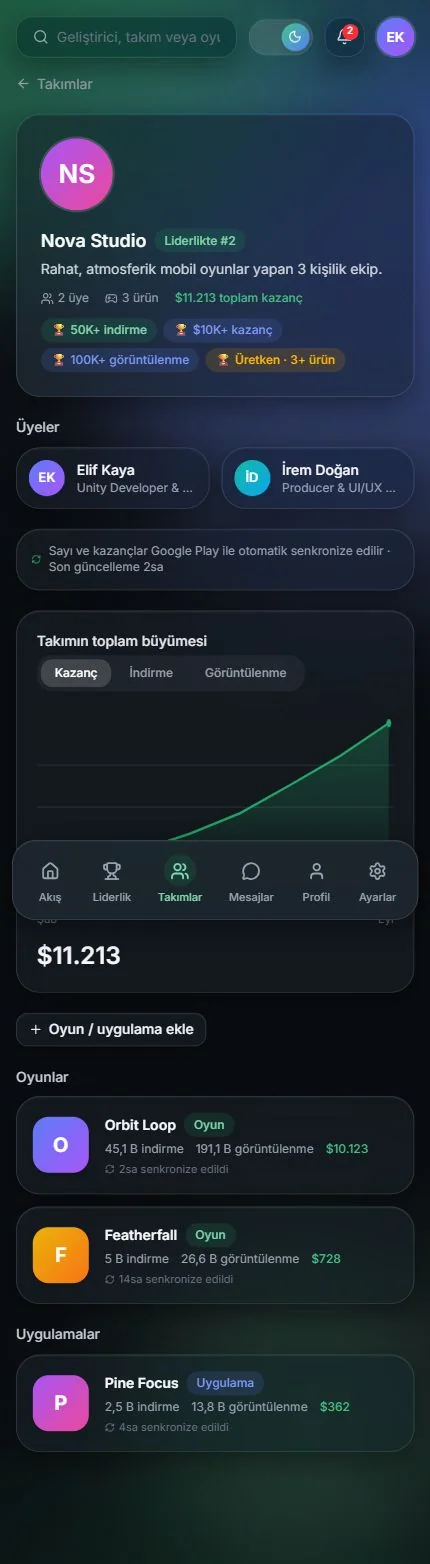
02Teams
Bring talent togetherin one team.
Get to know a studio's members, achievements and shared portfolio through a single team showcase.
- 01Members and expertise
- 02Shared product portfolio
- 03Total team growth
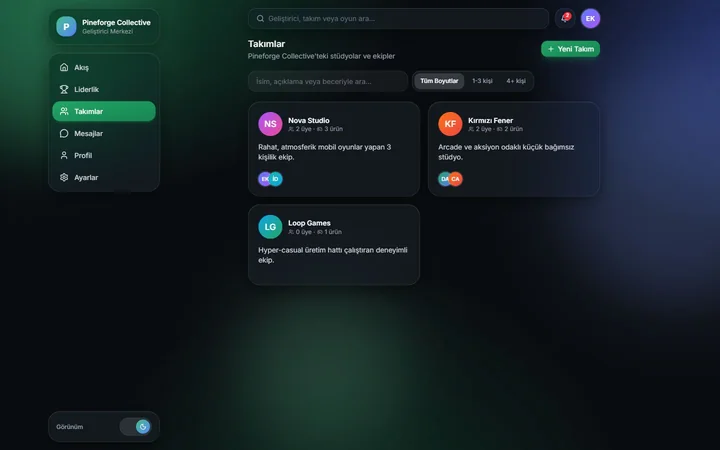
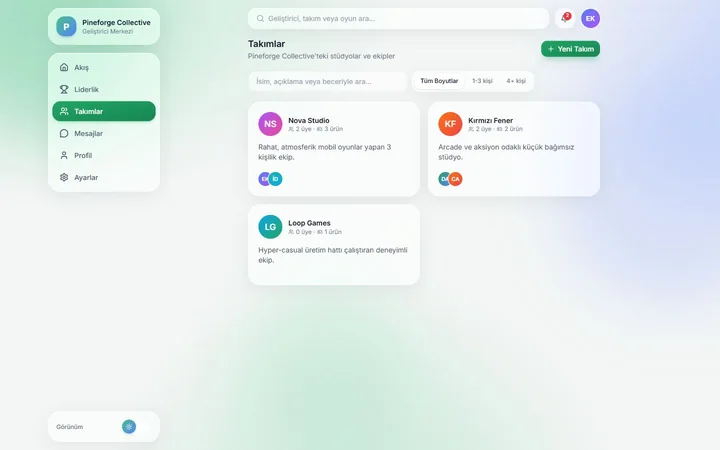
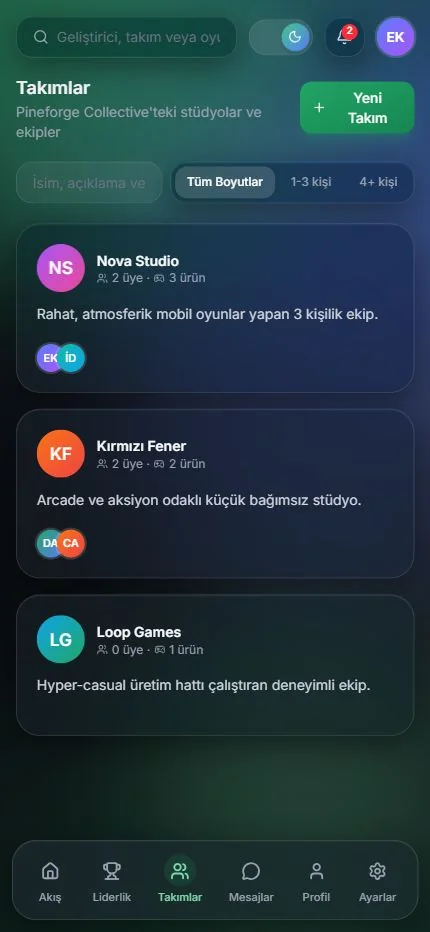
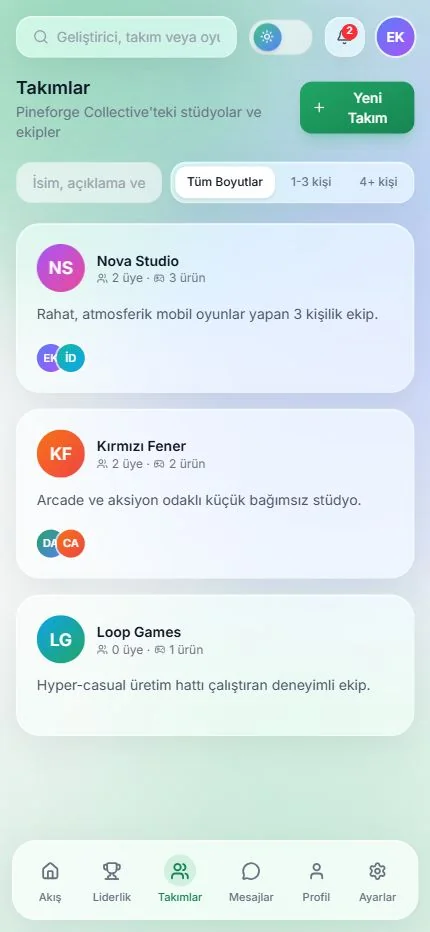
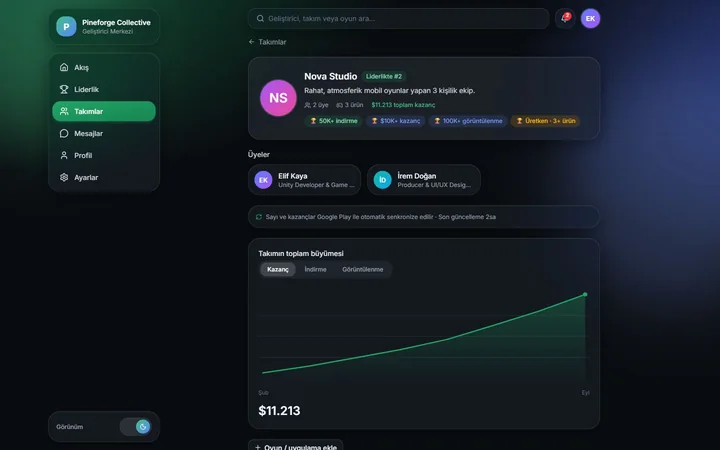
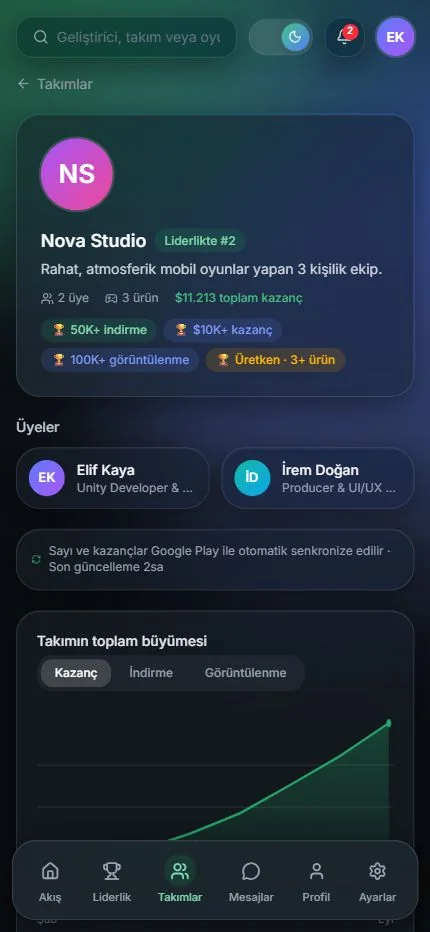
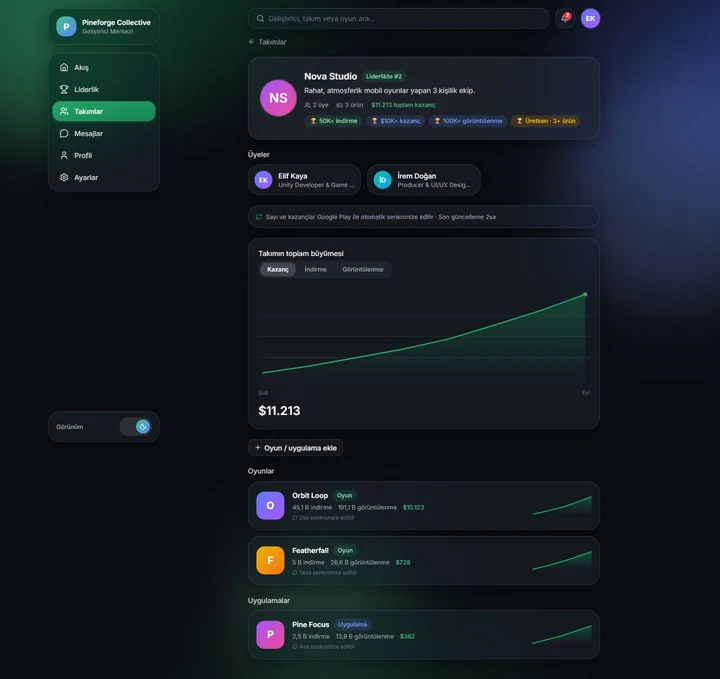
↕Scroll inside the screens to see the full page.
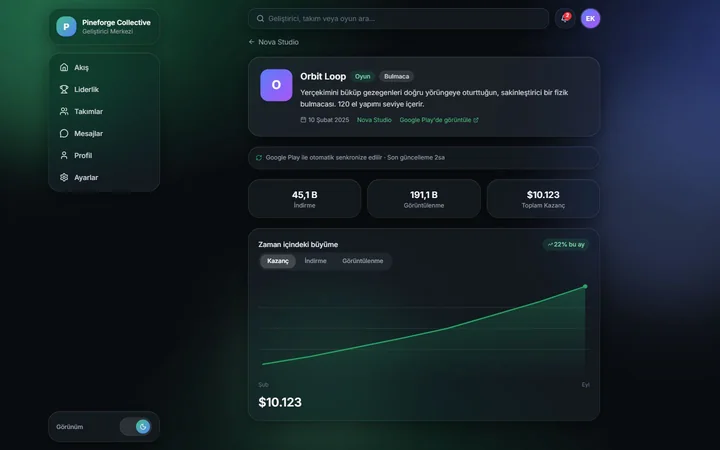
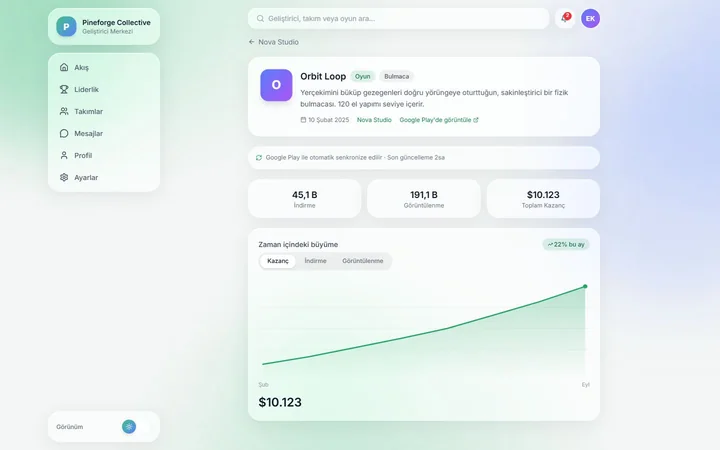
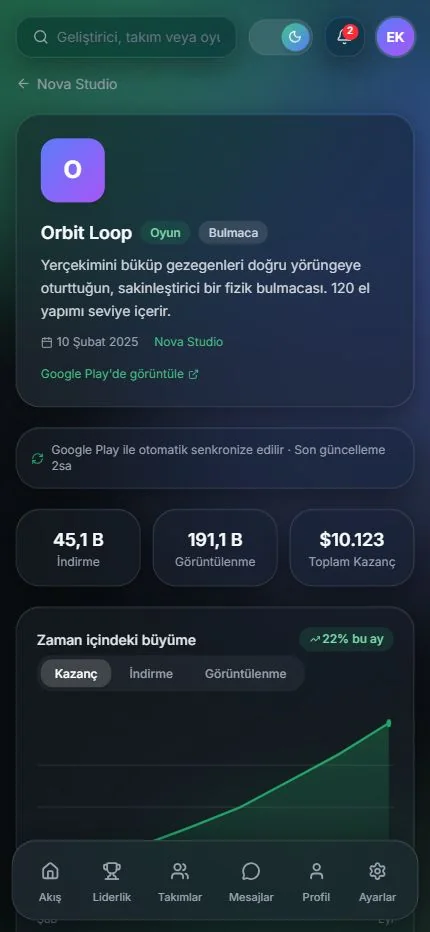
03Product analytics
Make the outcomeof your work visible.
Follow each product's downloads, store views and revenue alongside its growth over time.
- 01Three core indicators
- 02Growth charts
- 03Per-product tracking
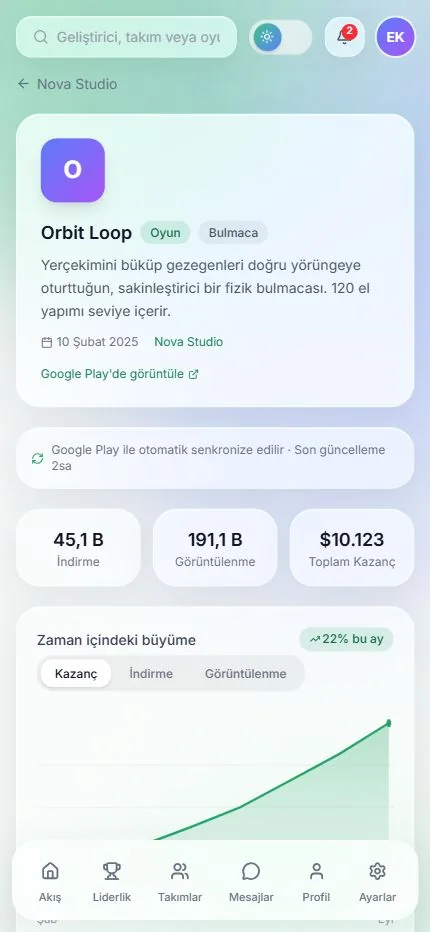
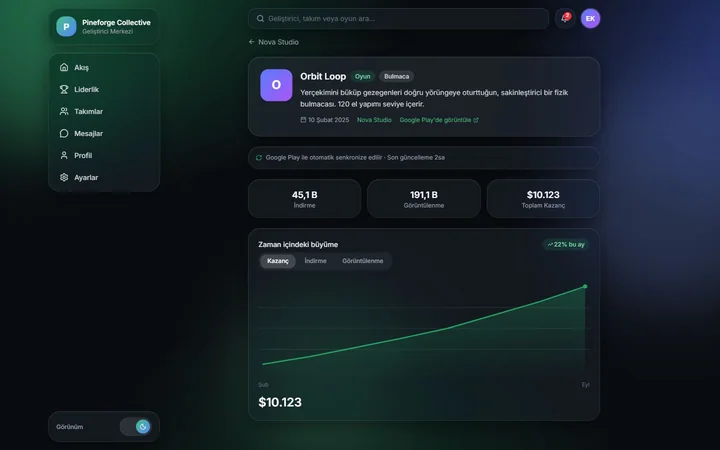
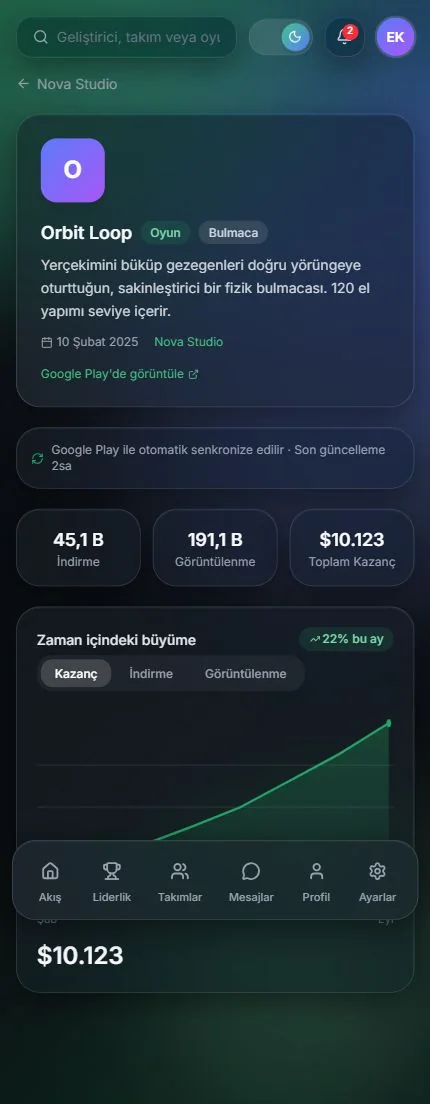
↕Scroll inside the screens to see the full page.
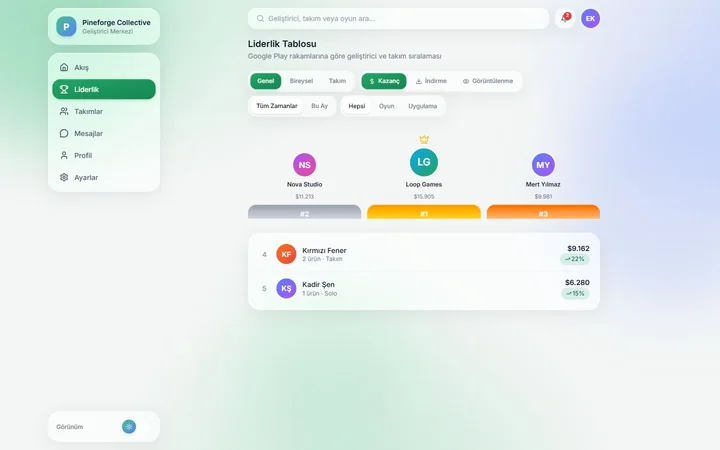
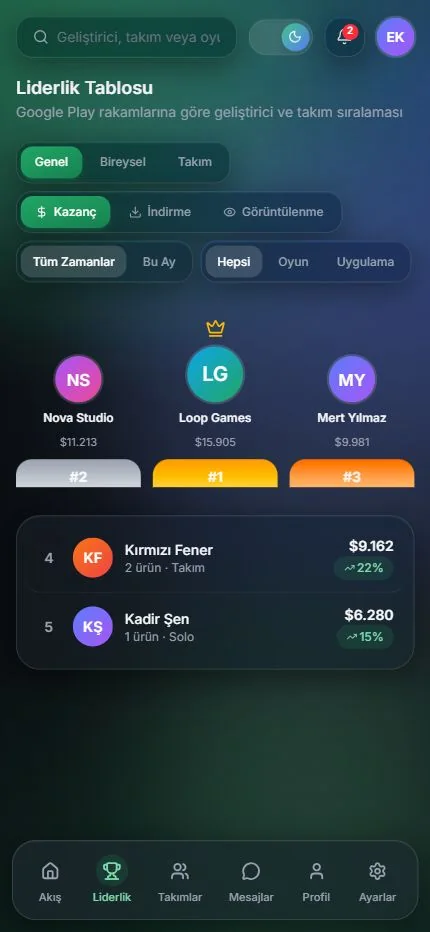
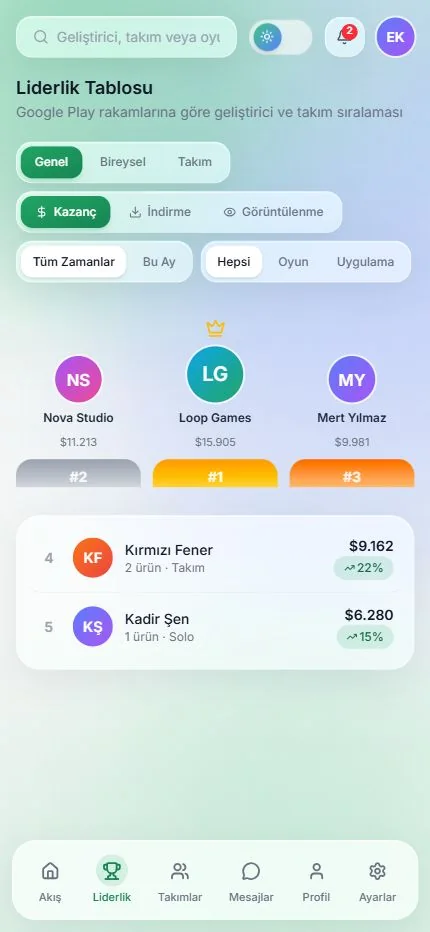
04Leaderboard
Measure success.See where you stand.
Compare developers and teams by product performance, and change the metric and the scope.
- 01Individual and team
- 02Revenue and downloads
- 03Period filters
05Developer profile
Show who you areand what you build.
Bring your expertise, your team and your product portfolio together in a visible developer profile.
- 01Skills and expertise
- 02Achievement badges
- 03Visible portfolio
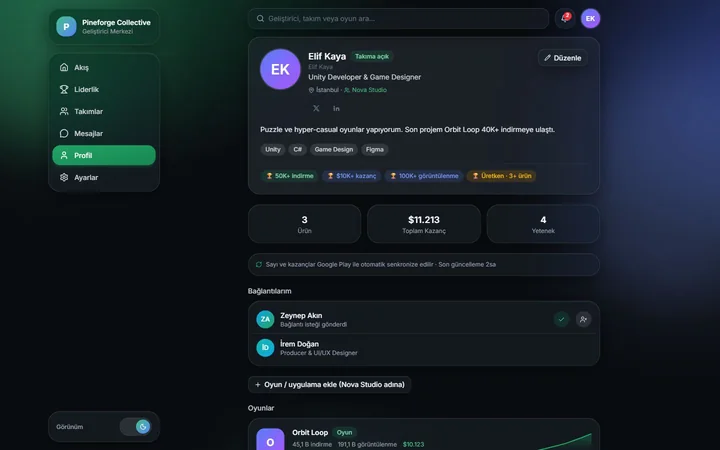
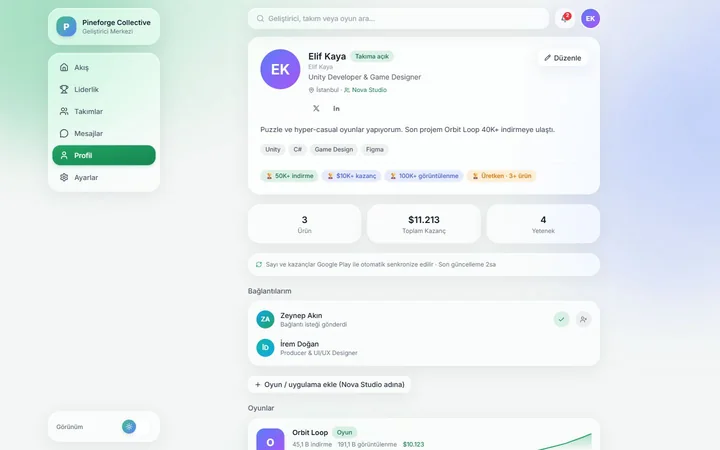
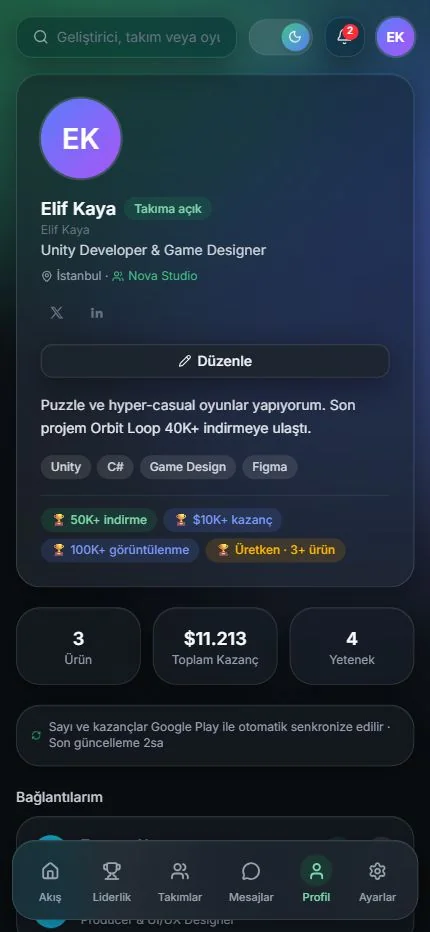
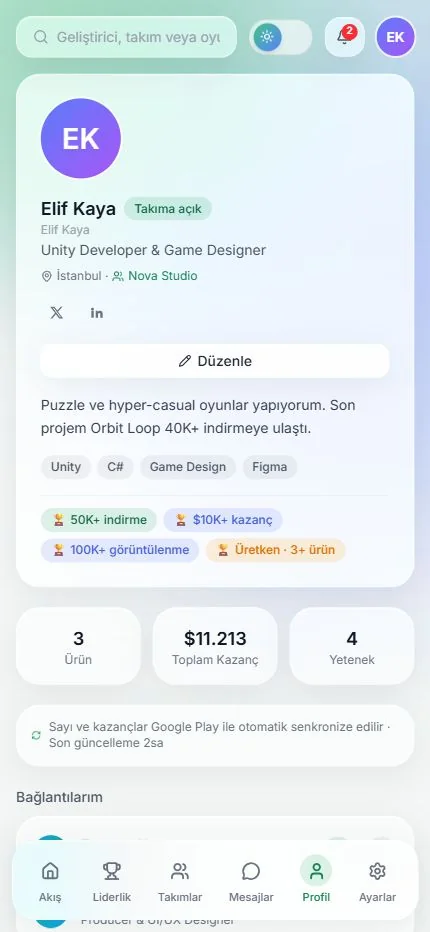
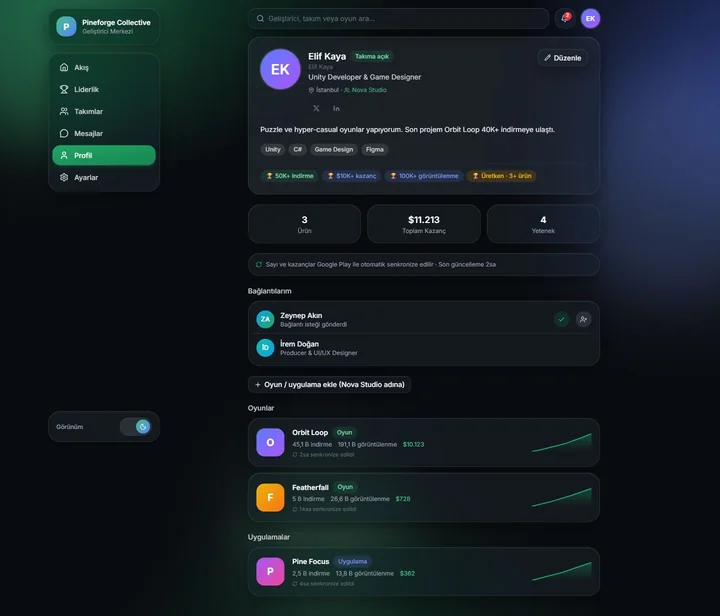
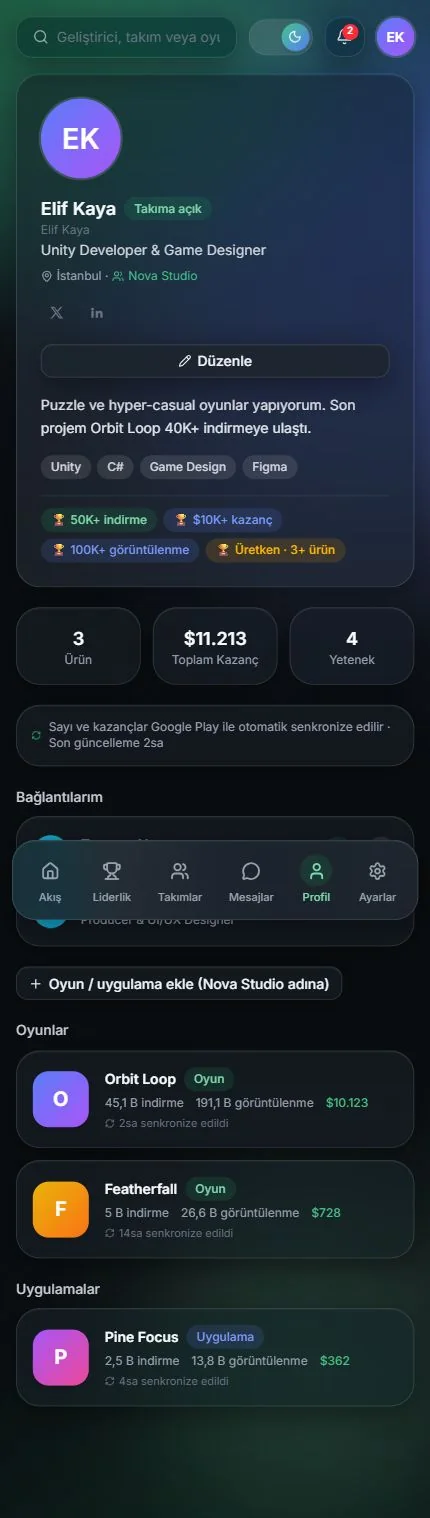
↕Scroll inside the screens to see the full page.
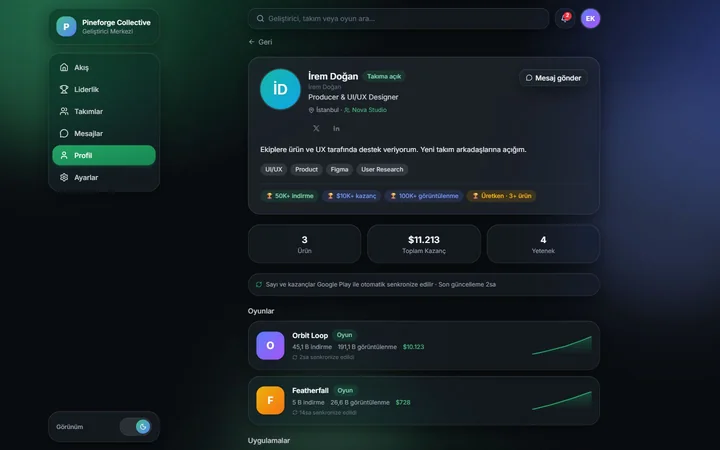
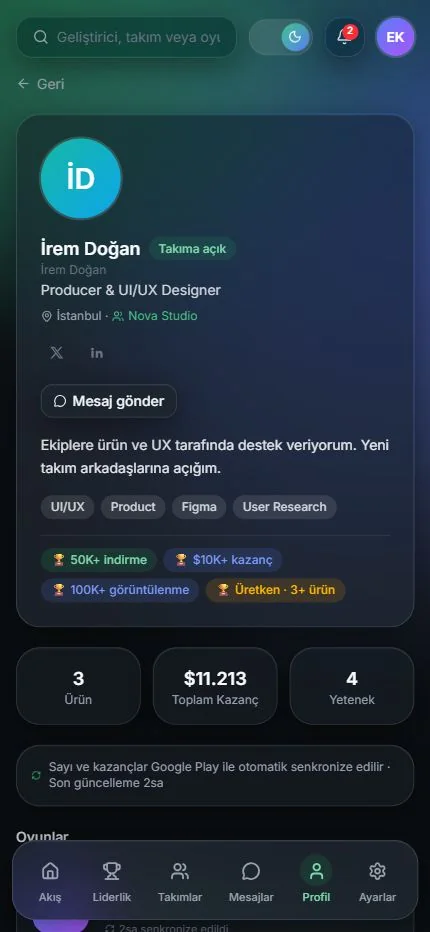
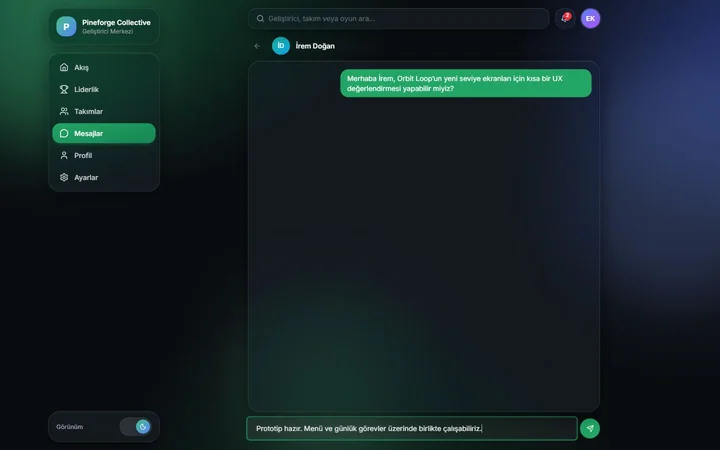
06Collaboration
Turn an introductioninto production.
Start a private chat from a profile and share product ideas and feedback directly.
- 01From profile to chat
- 02Direct communication
- 03Working together
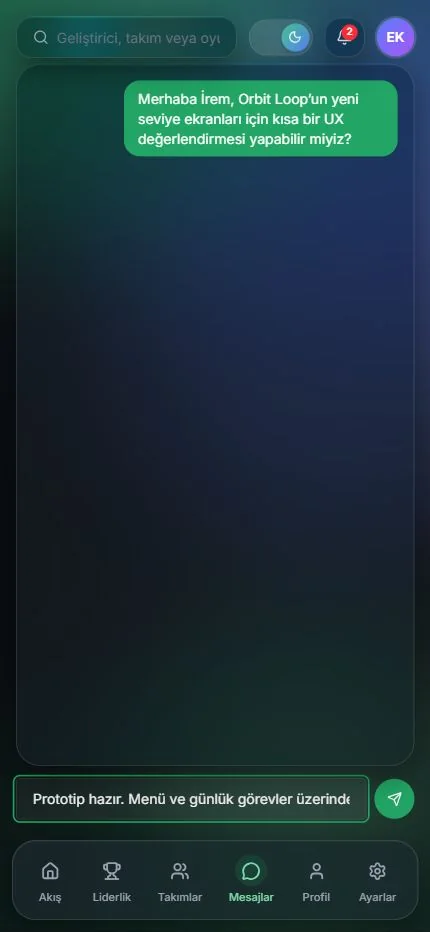
02 · Mobile + Web
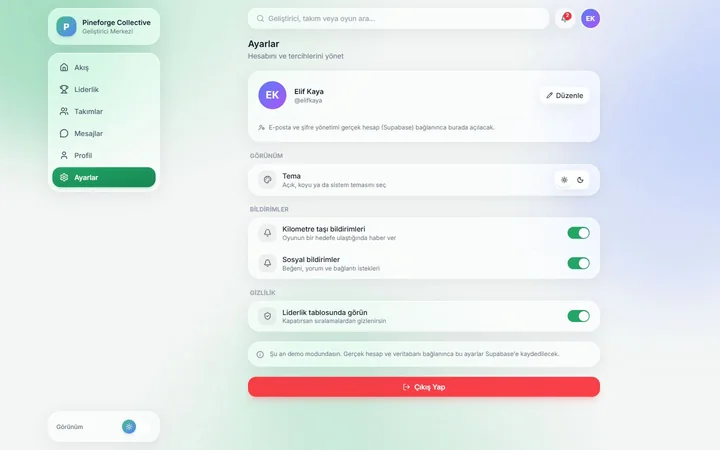
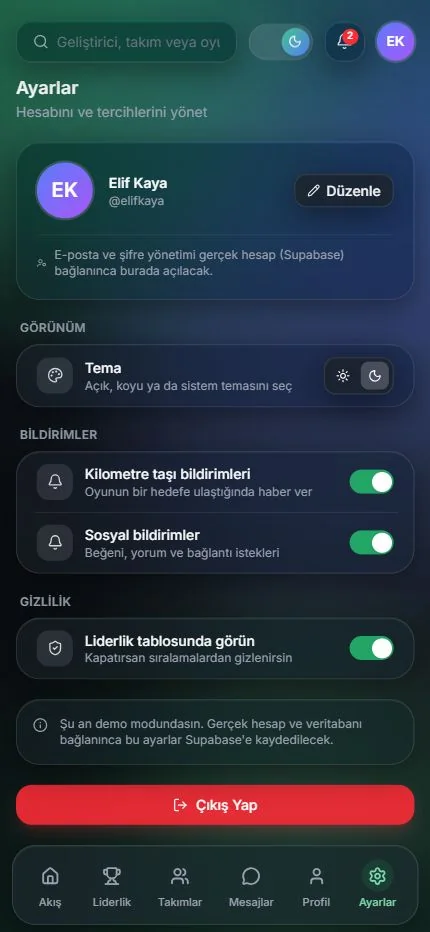
One community,two screens and two themes.
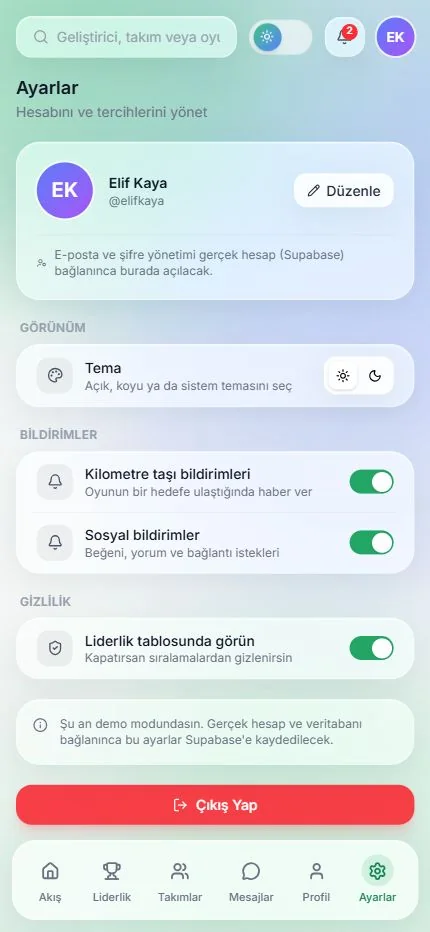
A wide workspace with a side menu on the web, a one-handed layout with bottom navigation on the phone. Drag the divider to compare the dark and light themes.
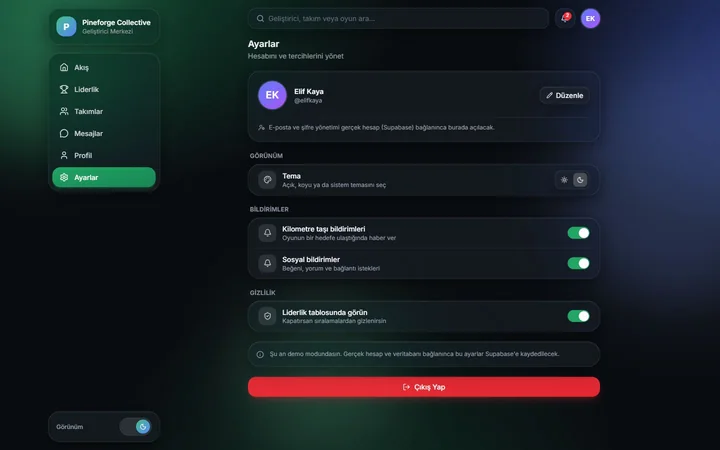
 Dark
Light
Dark
Light
03 · Promo cards
The productin three cards.
Annotated promo cards for the community, product analytics and leaderboard steps. Select a card to enlarge it. The cards are in Turkish.
04 · Selected screens
Six screens,on web and mobile.
The screens are captured from the running interface; the mobile views are the real phone-sized layout, not a scaled-down desktop. People, teams and figures are demo data.
05 · Sign-in and identity
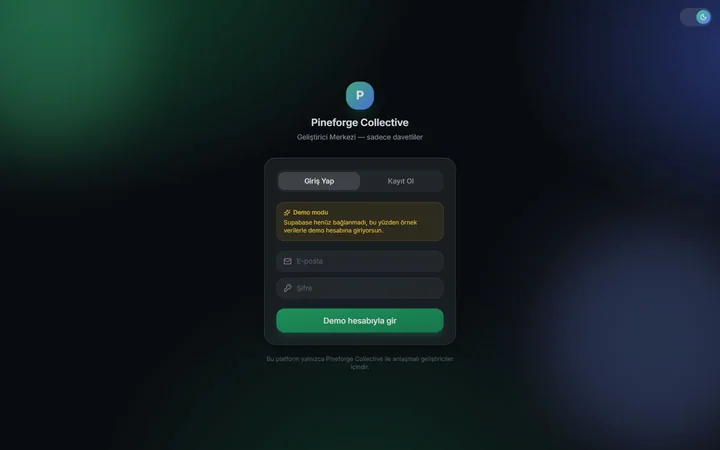
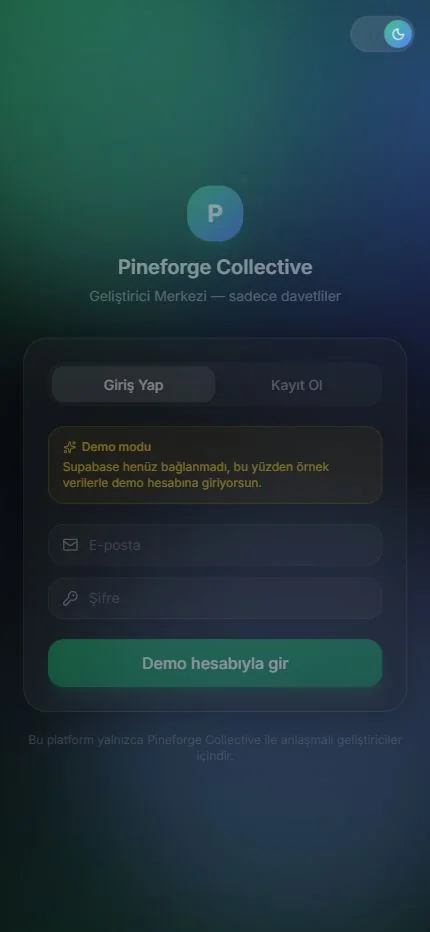
Invite-onlysign-in screen.
Only invited developers enter the platform. The image shows the web and mobile sign-in screens; the package identifier, technology and theme details are listed below.
- Planned namespace
- com.pineforgecollective.app
- Technology
- Capacitor · Android
- Interface
- Dark / Light theme
06 · Web version
The app,in your browser.
Use the web version of the Pineforge Collective app at app.pineforgecollective.com. Continue with your existing app account; new accounts require an invite code. If you do not have a code, request access using the form below.
Use in Browser→iThe debug package is never offered as a public download; the store button activates only when a signed release build is ready.